KotlinJetpack Compose · Material 3 · MIT licence
Compose screens you copy, not install.
Login to checkout, ready to ship. One Kotlin file per screen.
Browse by category
Core layouts, versions for verticals like fintech or healthcare, and the states that go with them.
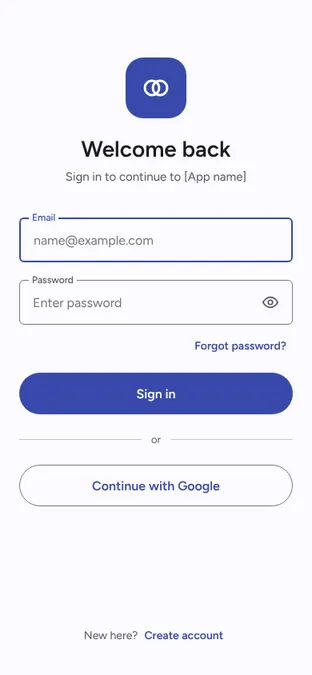
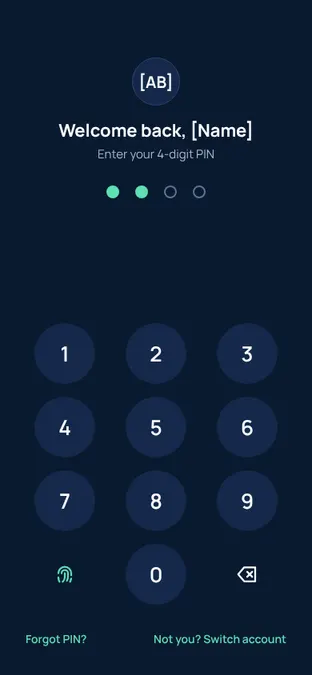
LoginSign in, sign up and account recovery, from a centered logo to PIN unlock and workspace SSO.18 screens
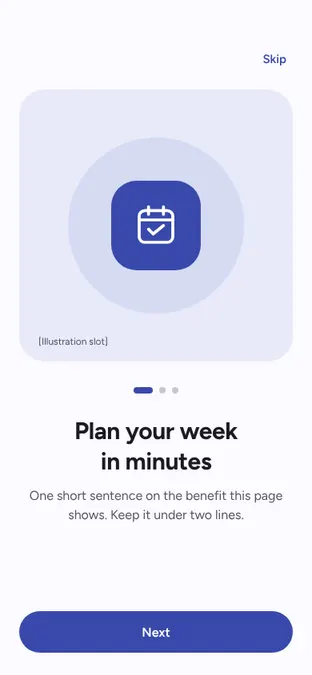
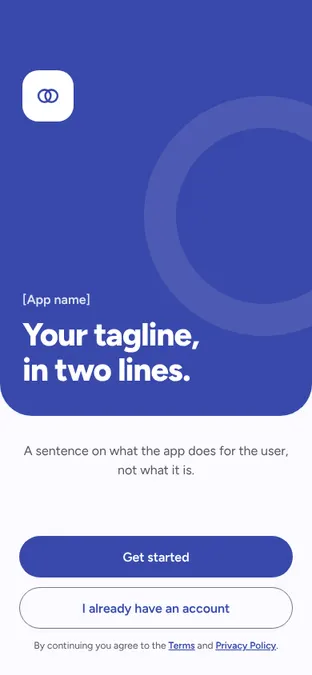
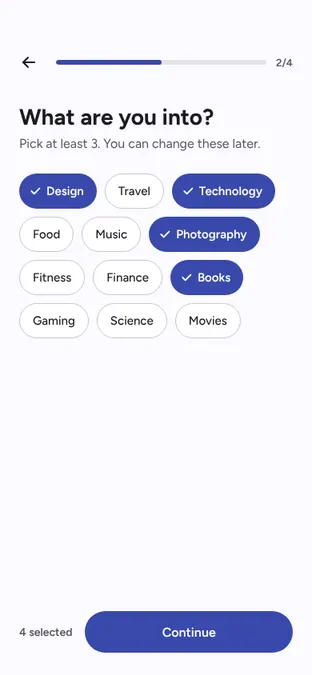
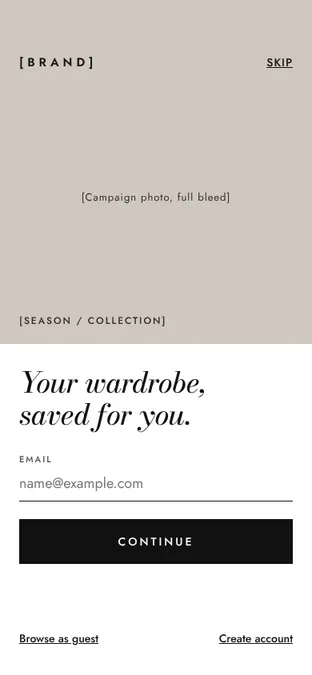
OnboardingFirst-run flows: welcome, benefits, permissions, personal setup and vertical-specific steps.17 screens
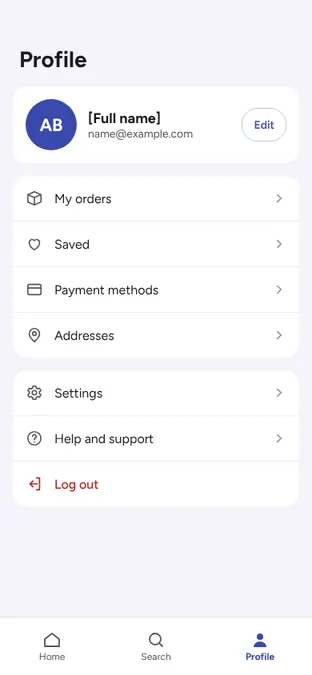
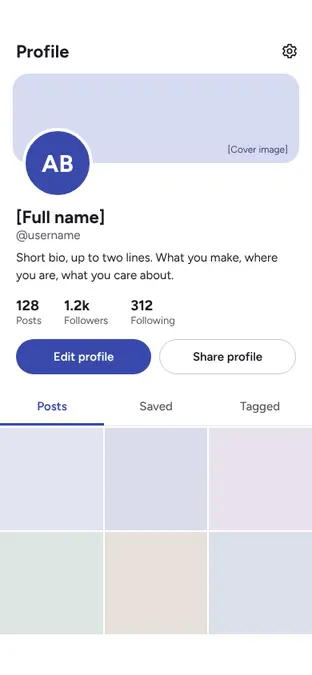
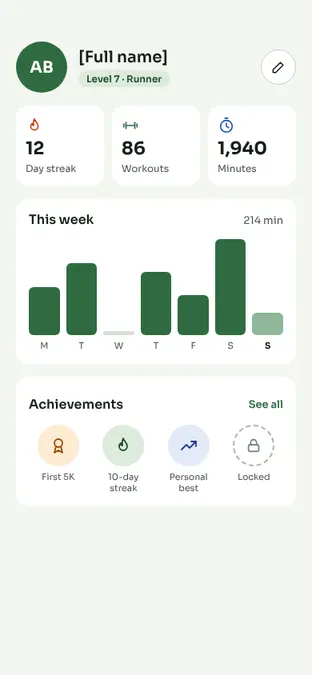
ProfileAccount hubs, public profiles and vertical profiles built from shared sections.19 screens
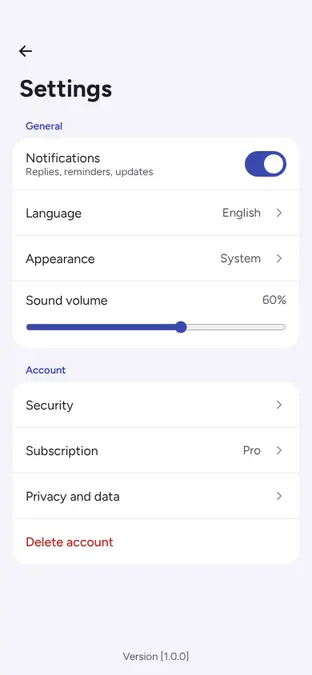
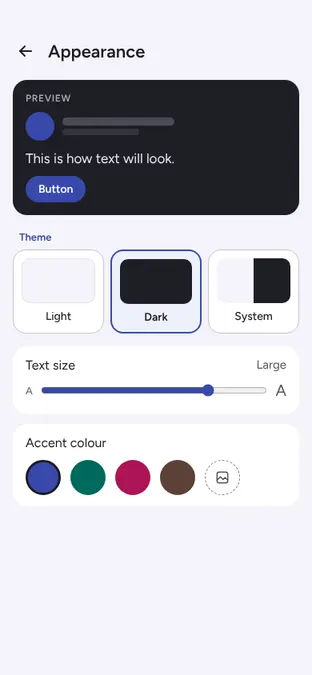
SettingsGrouped settings, appearance, notifications, security, subscriptions and their failure states.15 screens
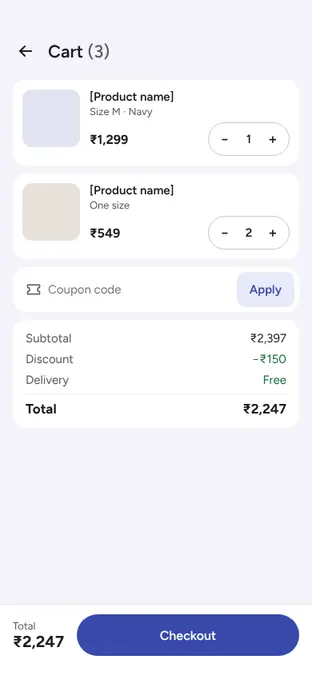
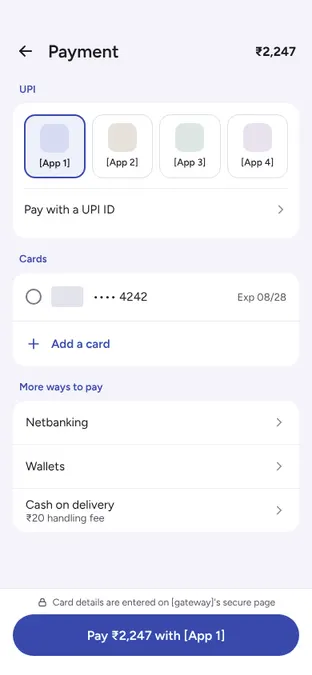
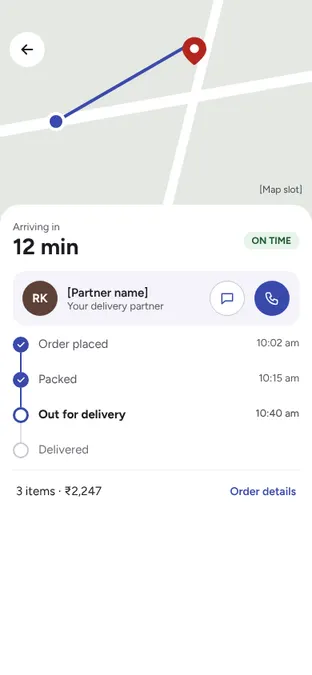
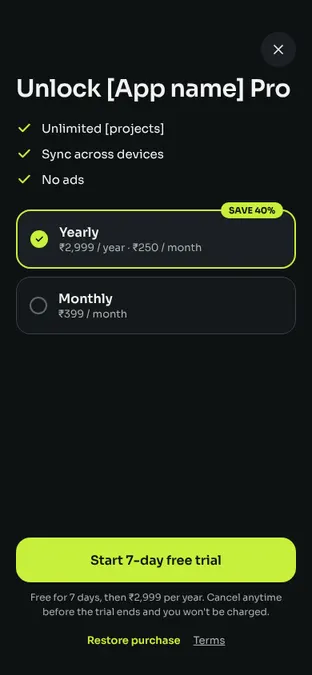
CheckoutCart to confirmation, plus food, booking, money transfer, paywall and course purchases.20 screens
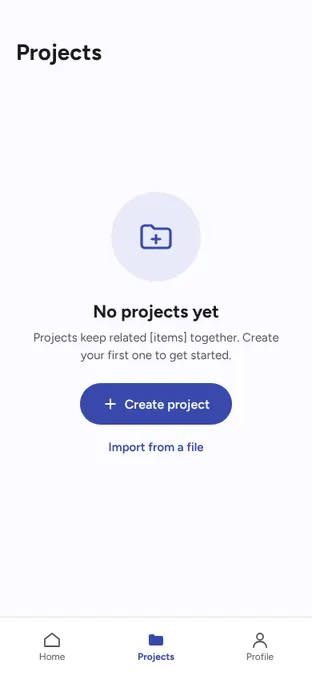
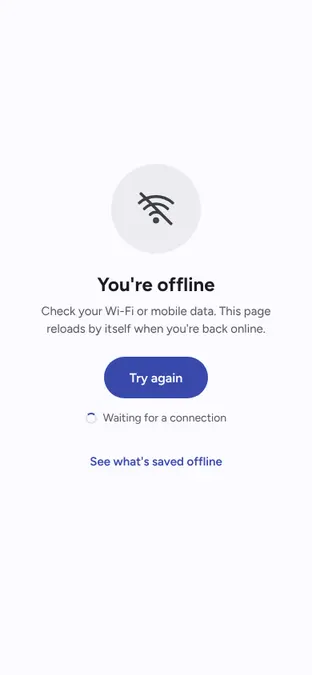
Empty and errorFirst use, no results, offline, server errors, permissions and inline error placements.12 screens
How it works
1
Pick a screen
Choose by what the screen does, then by look. Every page shows the live layout and its states.
2
Copy the file
One standalone Kotlin file per screen. No shared files, no package, no icons library.
3
Pass your state
The screen holds no state and no ViewModel. Wire it to yours.